
Importing and Saving Your Bots So You Don't Rebuild Them
November 14, 2026
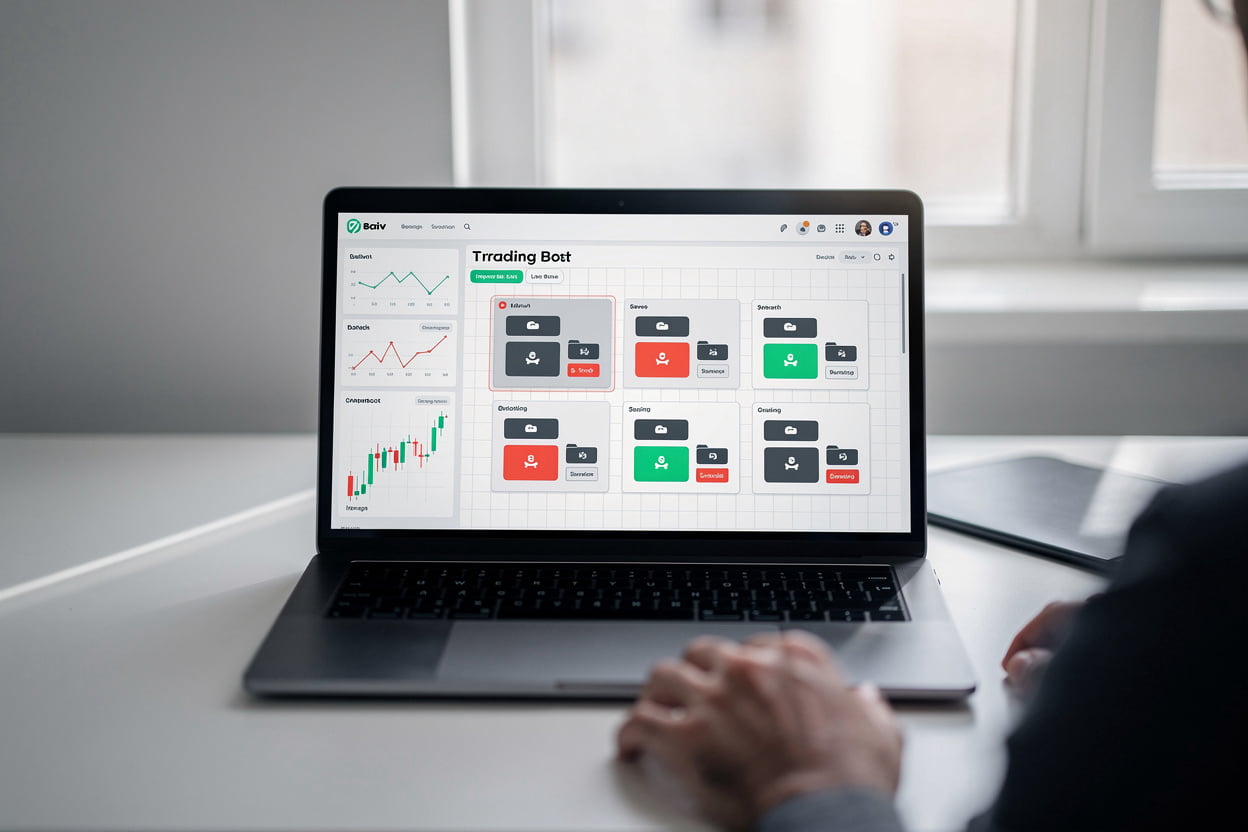
Building a bot from blocks takes a while, and losing a good one because you closed the browser is frustrating. Saving and importing are simple once you know where the controls are, and they make it much easier to test variations.
Saving a bot
When your strategy is finished, save it from the builder. Give it a name that says what it does, something like the market and the logic rather than "bot 2" or "test final". You will thank yourself in a month when you have a dozen of them.
It is worth saving a version before you make big changes. If the new version performs worse, you can go back to the earlier file without guessing what you changed.
Importing a bot
If someone has shared a bot file with you, or you exported one from a previous session, use the import option in the builder and select the file. The blocks will load with their settings intact. Check the stake, the market and the risk settings before running it, because they may have been set for someone else's account or appetite for risk.
Keeping things organised
A simple habit helps: keep one bot per strategy and per market. If you are trying a preset and then customising it, save the customised version as a new file and leave the original alone. That way you always have a clean starting point.
Note the date and the demo results next to each saved bot in your own notes. A bot you tested in March may behave differently in June, and a record of what it did and when makes that easier to spot.
A quick checklist before running an imported bot
Confirm the market is the one you intend to trade. Check the stake is sensible for your balance. Make sure the stop-loss and take-profit settings match your plan. Then run it on demo first, even if it was built by someone you trust.