
How to Backtest a Trading Bot Before Risking Real Money
November 14, 2026
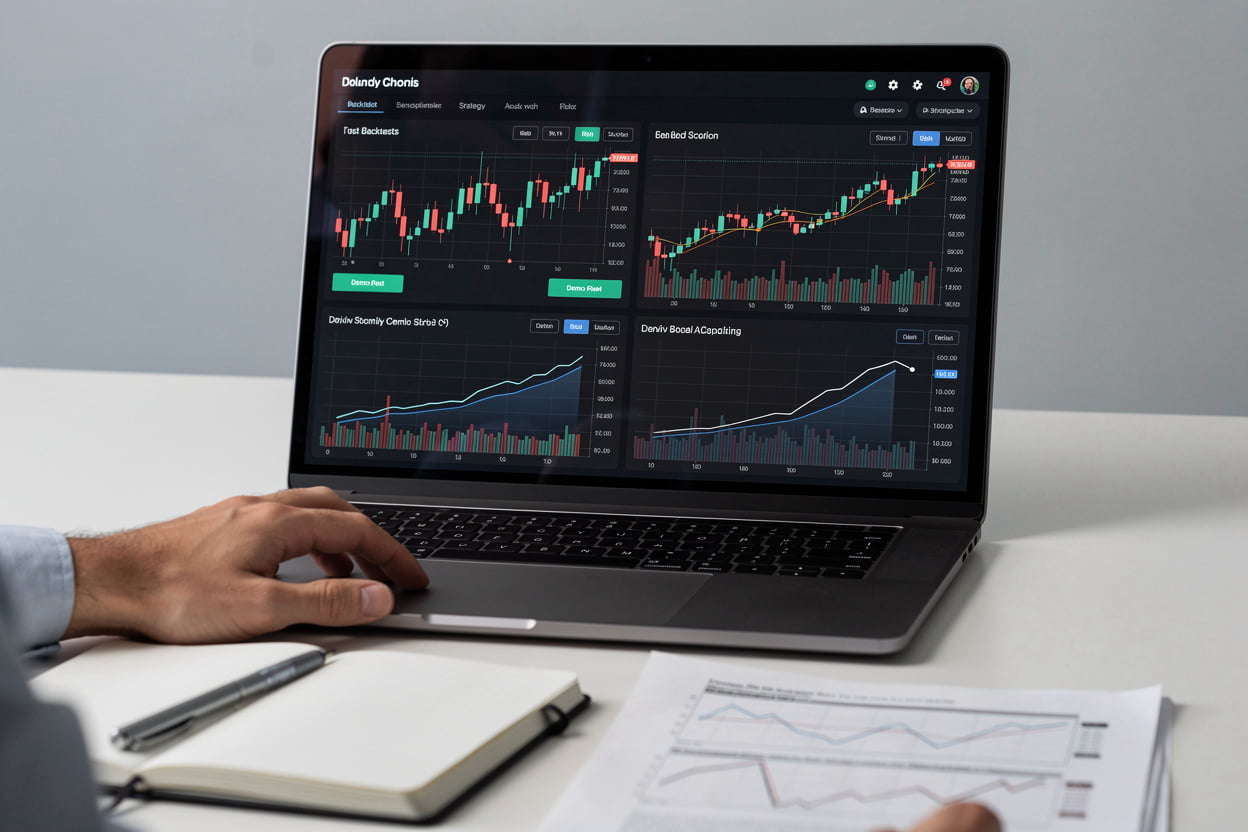
Most people who lose money with an automated bot did not test it properly. They built it, switched it on, and hoped. Backtesting is the step that stops that from happening, and Deriv Bot gives you a demo account to do it without any risk.
Why run a backtest at all
A bot that looks clever on paper can still fall apart once it meets choppy prices. A backtest runs your strategy against past market behaviour so you can see how many trades it would have taken, how often it won, and how deep the drawdowns got. It will not tell you the future, but it will tell you whether the logic does what you think it does.
Setting it up on a demo account
Switch to the demo account before you start. Build your bot with the drag-and-drop blocks, or load a preset strategy and adjust it. Pick a market you actually intend to trade, whether that is a forex pair, a stock index, a commodity or one of the Derived Indices.
Set your stake and your stop-loss before you run anything. It is tempting to tweak these after a bad run, which quietly turns the test into curve-fitting. Write the numbers down first.
Reading the results honestly
Look at more than the total profit. Check the number of trades: a strategy that won on three lucky trades tells you almost nothing. Check the worst losing streak and whether your built-in risk management tools would have kicked in during it.
If the bot only performs well in one short window, try a different period. A strategy that survives both calm and volatile stretches is worth a closer look. One that only works in a single window usually is not.
Before you go live
Run the bot on demo for a while longer after the backtest, so you see it behave in live conditions and not just in replayed data. Turn on Telegram notifications so trades reach you as they happen. When you do move to a real account, start with a stake you could lose without losing sleep.